Video Narration: Making Your Business Videos Sound as Good as They Look
- Tuesday 18th August 2026
- Kevin Broughton
- Video
Businesses often invest heavily in the
visual side of video, filming, editing,
animation, and graphics, while treating
narration as an afterthought.
That's a missed opportunity. Narration is often what turns a good-looking video into one that actually informs, persuades or converts. Get it wrong, and even the most polished visuals can feel flat or confusing.
This post looks at why video narration deserves as much attention as the visuals, and how to approach it for your next project.
Why Video Narration Matters
It Carries the Message
Visuals show, but narration explains. For explainer videos, product demos or training content in particular, narration is often what actually communicates the key message, while visuals support and reinforce it.
It Shapes Tone and Emotion
The same script can feel completely different depending on how it's narrated. A warm, conversational voice suits a friendly brand story, while a confident, measured tone suits a corporate overview. Getting this right sets the emotional tone of the whole video.
It Builds Consistency Across Content
If your business already uses a particular voice for on hold messages or welcome greetings, using the same voice in video content builds recognition and reinforces your brand across every channel.
Common Video Narration Mistakes
- Treating the script as an afterthought.
Scripts written last, without the video in mind, often feel disconnected from the visuals. - Choosing a voice that doesn't fit.
A mismatch between voice and brand can undermine an otherwise strong video. - Poor audio quality.
Background noise, inconsistent levels, or a rushed recording distract from the message. - Pacing that doesn't match the visuals.
Narration that's too fast or too slow relative to on-screen action disrupts the viewing experience.
What Makes Great Video Narration
A Script Written to Be Heard
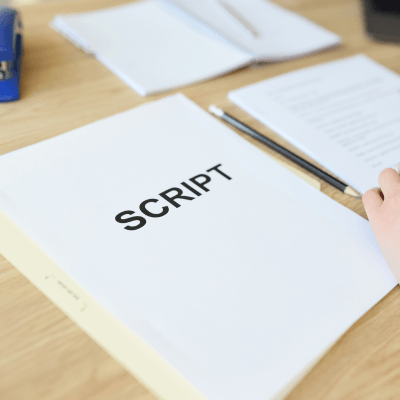
Scripts for narration should be written to sound natural when spoken aloud, not simply repurposed from written marketing copy. Short sentences and a conversational tone tend to work best.
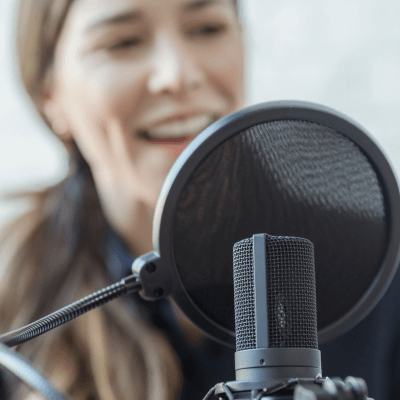
The Right Voice for the Content
Consider who's watching and what you want them to feel. Training content might call for a clear, steady voice, while a brand story might benefit from something warmer and more personal.
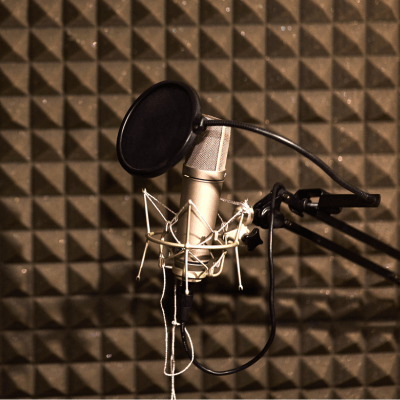
Professional Recording and Editing
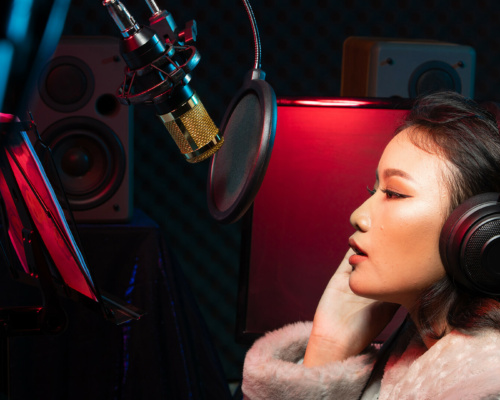
Studio-quality recording, combined with careful editing and mixing, ensures the narration sits well alongside music, sound effects and on-screen visuals, rather than competing with them.
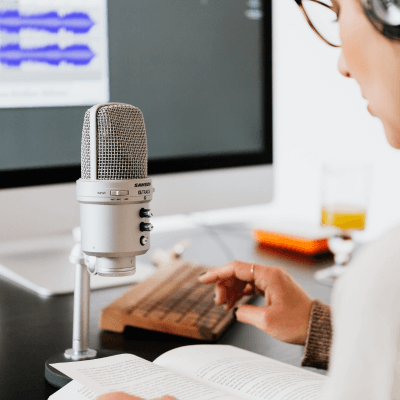
Timing That Matches the Visuals
Good narration is paced to match the video itself, whether that means fitting key points to on-screen text, or leaving space for visual moments to land without being talked over.
Practical Steps for Your Next Video Project
- Write the script alongside the storyboard.
Narration and visuals should be developed together, not in isolation. - Read the script aloud before recording.
If it feels awkward to say, it will feel awkward to hear. - Choose a voice that fits your brand.
Think beyond the individual video to how the voice represents your business more broadly. - Brief your narrator on pacing.
Share timing cues or a rough cut where possible, so delivery matches the visuals. - Finish with a proper mix.
Balance narration, music and sound effects so the final video sounds as polished as it looks.
Real-World Example
Businesses across sectors, from healthcare to hospitality to logistics, use professional narration to bring explainer videos, training content and brand stories to life. In each case, the narration is treated as a core part of the production, not an add-on, ensuring the finished video informs and engages in equal measure.
Frequently Asked Questions
- Do I need a professional voiceover artist for a short business video?
For anything customer-facing, it's usually worth it. A professional voice adds credibility and polish that's hard to replicate with an in-house recording. - Should the narration voice match my on hold messages?
It's not essential, but using a consistent voice across your phone system and video content helps build brand recognition over time. - How long does video narration take to produce?
It depends on script length and complexity, but many projects can be turned around within a few working days once the script is finalised. - Can narration be added after the video is edited?
Yes, though it's generally easier to get right when the script and narration are considered from the early stages of production, rather than added in at the end.
Final Thoughts
A well-narrated video does more than sound good. It clarifies your message, sets the right tone, and keeps viewers engaged from start to finish. If your business videos are relying on visuals alone, narration is likely the missing piece.

Want your next video to sound as professional as it looks?
Want your next video to sound as professional as it looks? Explore our professional voice talent or get a free quote to discuss narration for your next project.
About us and this blog
Onhold Studio has been developing custom on hold audio messages for almost two decades! We specialise in audio marketing for both VoIP and conventional telephone systems. Our team can handle every step of the process for you, whether you need music or on hold messaging, call menu options, or out-of-hours audio messages.